| Best fit | YouTube-first Chrome users who want summaries before opening videos. | Students who want batch processing and an all-in-one AI study suite. |
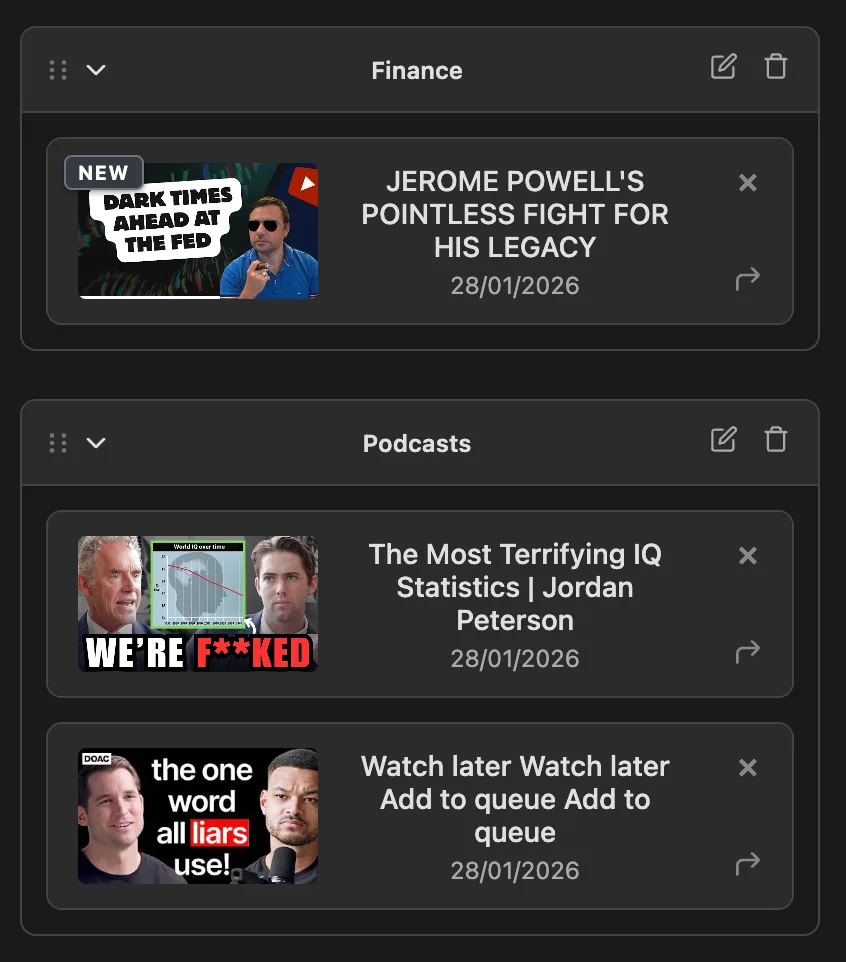
| Summarize from thumbnail | Yes. Zloth adds a Summarize button directly to YouTube thumbnails and watch pages. | Primarily promoted as paste/add-link online summarization and batch processing. |
| No copy-pasting links | Yes. The core workflow happens inside YouTube. | No for the main web workflow; users paste or add video links. |
| Clickable timestamps | Yes in Summary mode. | Yes. Timestamped video notes are part of its learning workflow. |
| Custom prompts | Yes. Save a reusable custom prompt on Pro that powers the default Summarize button. | Yes. Custom prompt and summary length are promoted publicly. |
| Quick Prompts (ask from the thumbnail) | Yes, free for everyone. Type a one-off question on any YouTube thumbnail with the Ask button - no saved prompt and no opening the video. | Custom prompt and length are promoted inside the paste-link workflow, not as a per-thumbnail one-off ask. |
| Saved and organized library | Yes. Summaries save to a personal library with folders and sync. | Yes, through NoteGPT notes, but the YouTube page emphasizes generated online summaries. |
| Text-to-speech | Yes. Built-in TTS, with Pro AI TTS minutes. | Voice tools exist in the broader product suite. |
| Free tier | Free to start with 120 summary credits per month. | Free online summarizer is promoted; paid plans add quotas and processing power. |
| Entry paid price | $5.99/month or $49.80/year for Pro. | $9/month for Pro. |
| Chrome-only focus | Yes. Focused on Chrome and YouTube. | No. Broad web app and AI learning suite. |
| When Zloth is the better pick | When you want the fastest in-flow decision: summarize from the feed, save it, organize it, and move on. | Choose Zloth over NoteGPT if you want less copy/paste and fewer all-in-one app surfaces. |